 Image 1 of 1
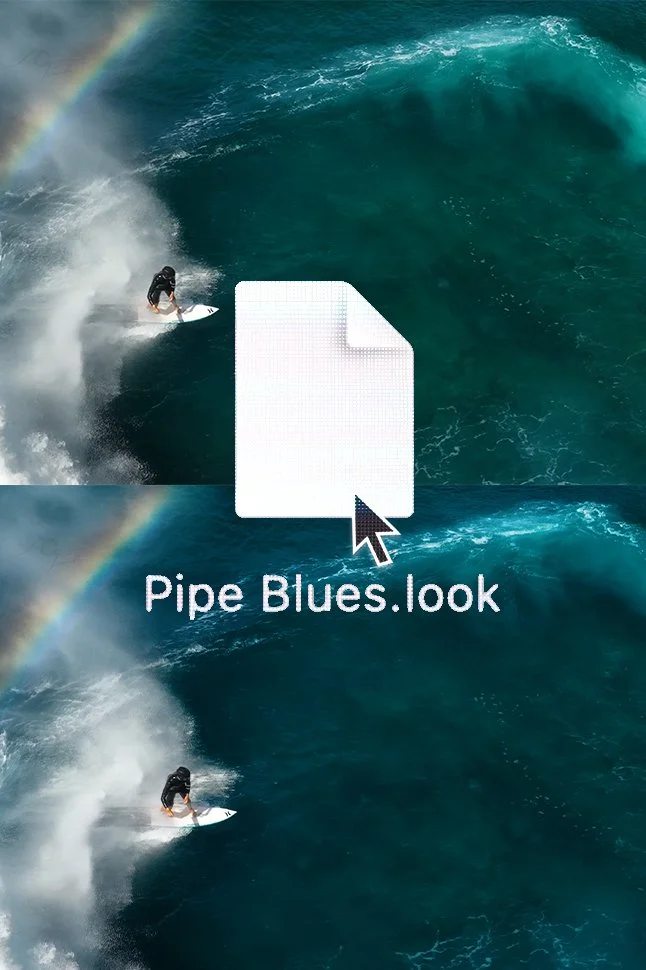
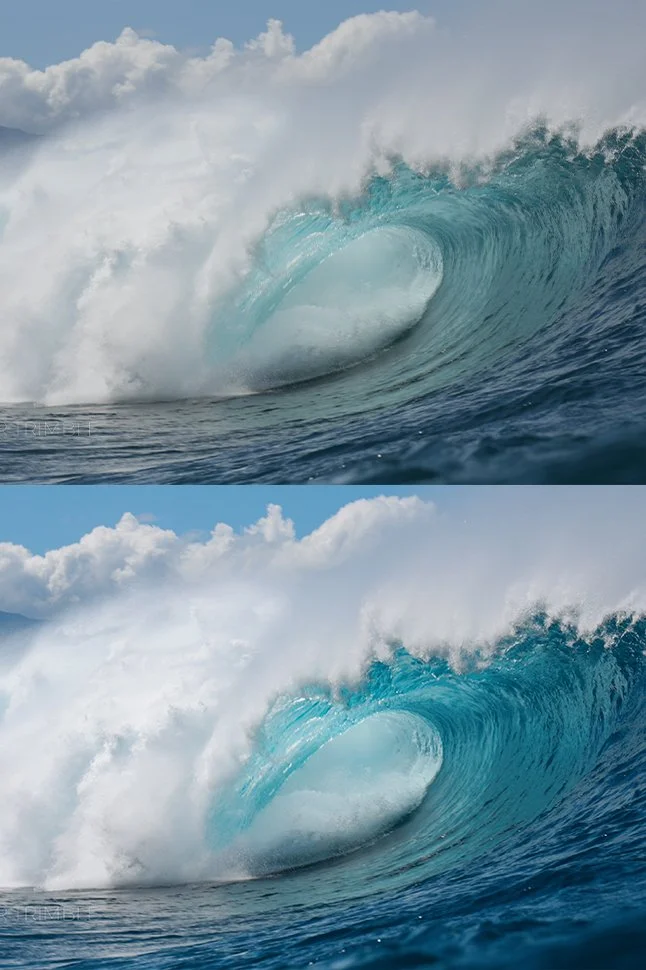
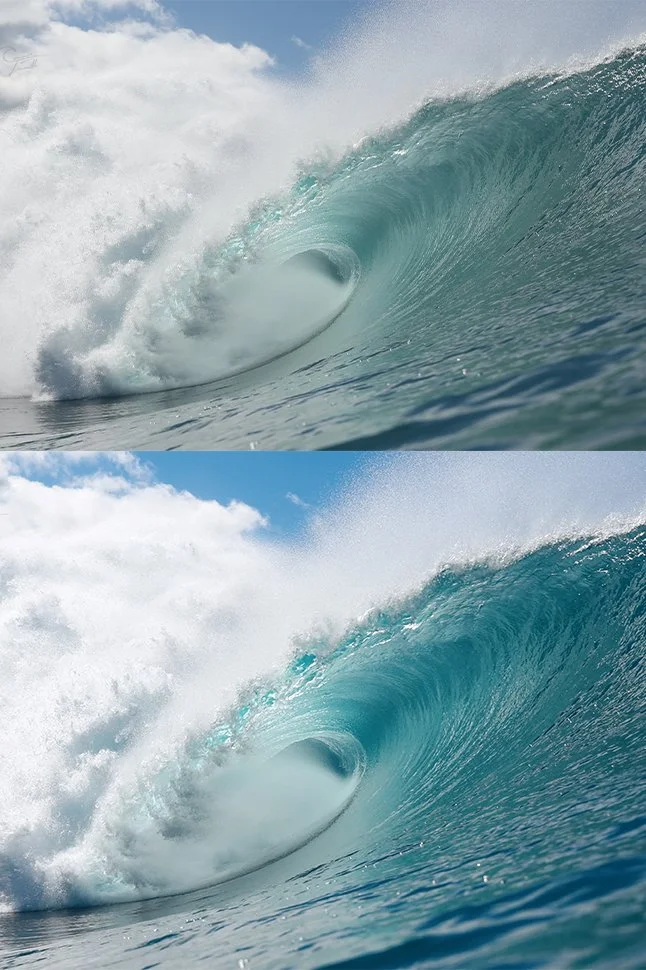
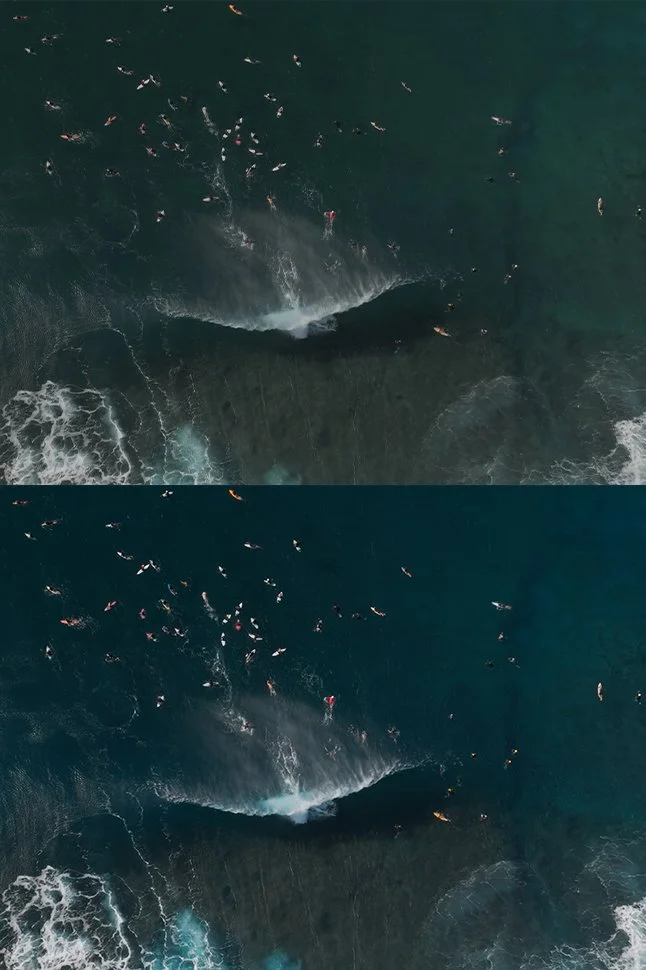
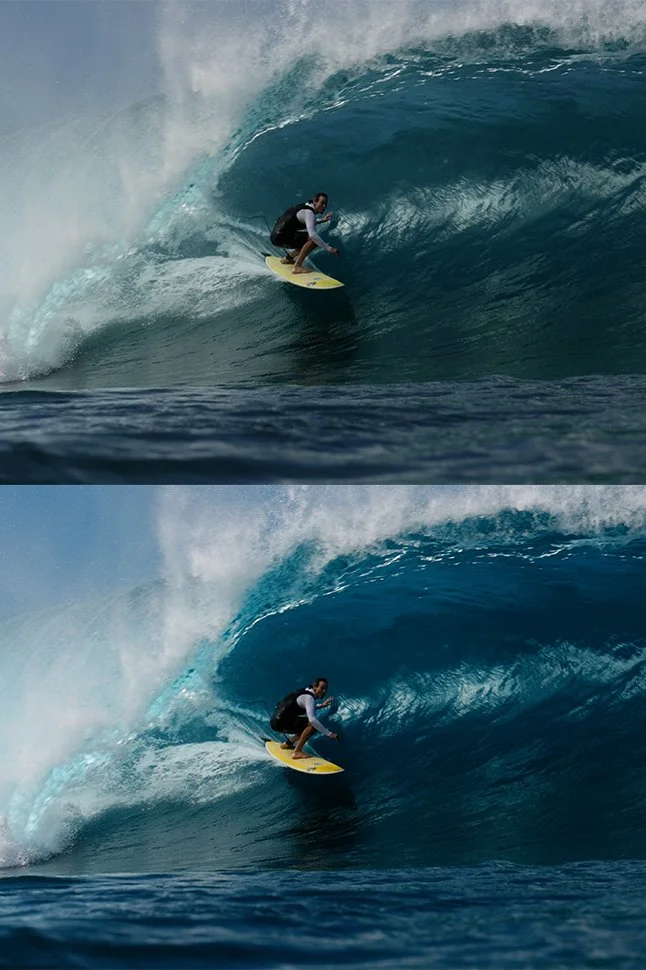
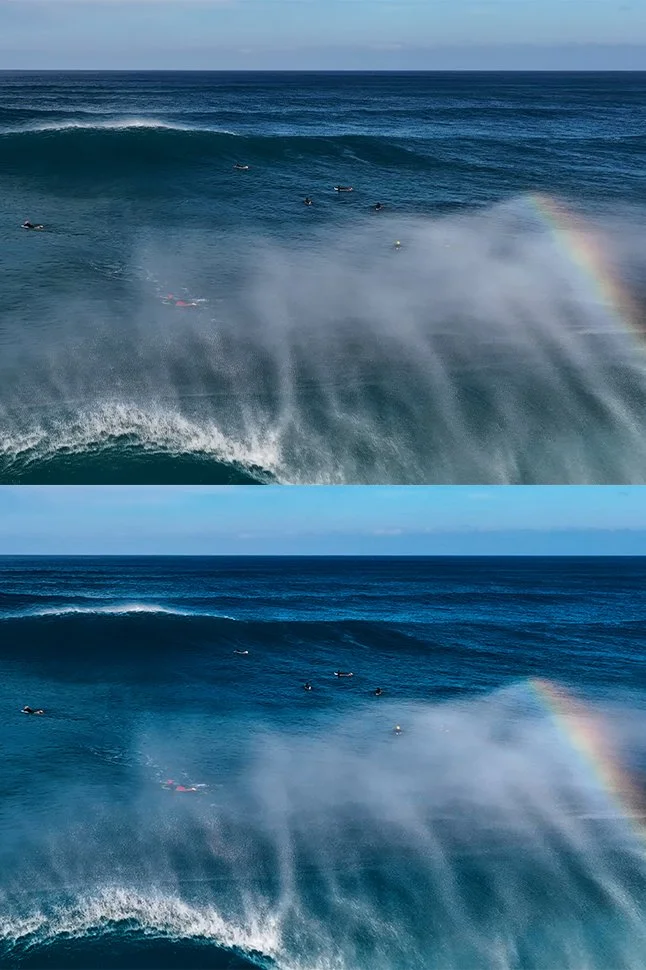
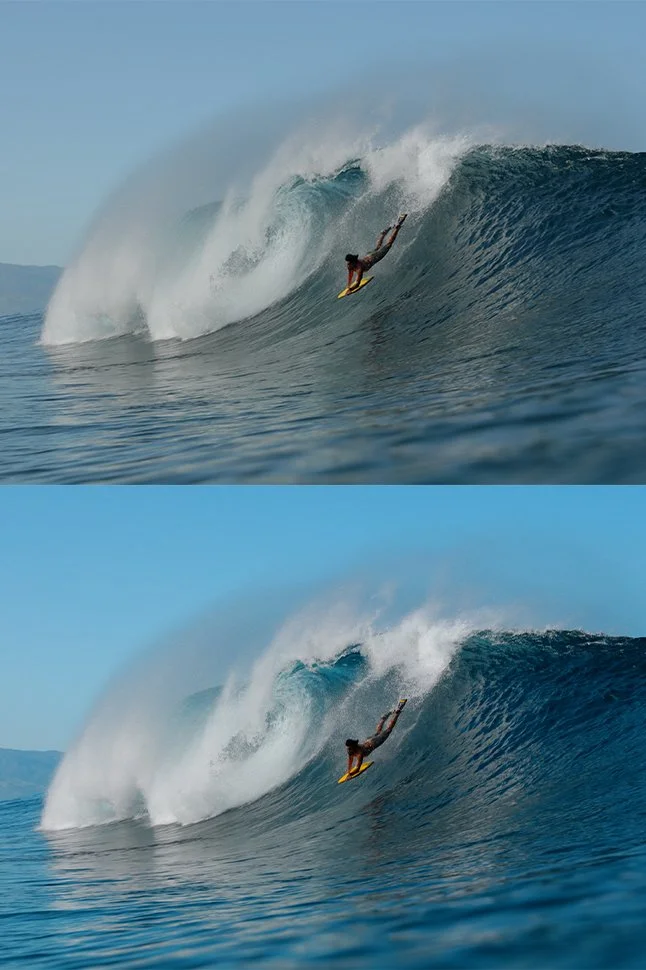
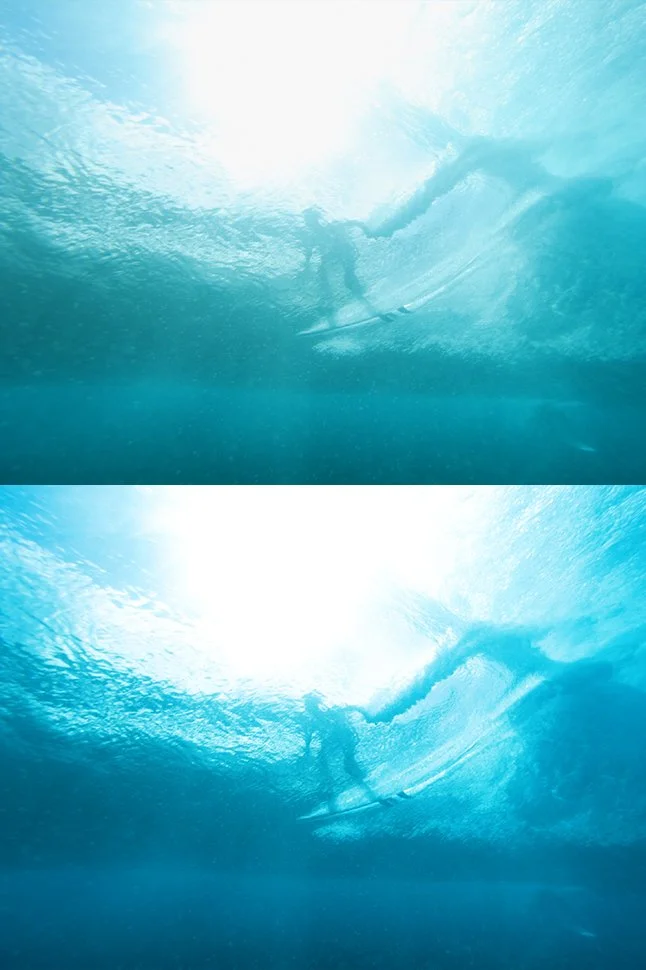
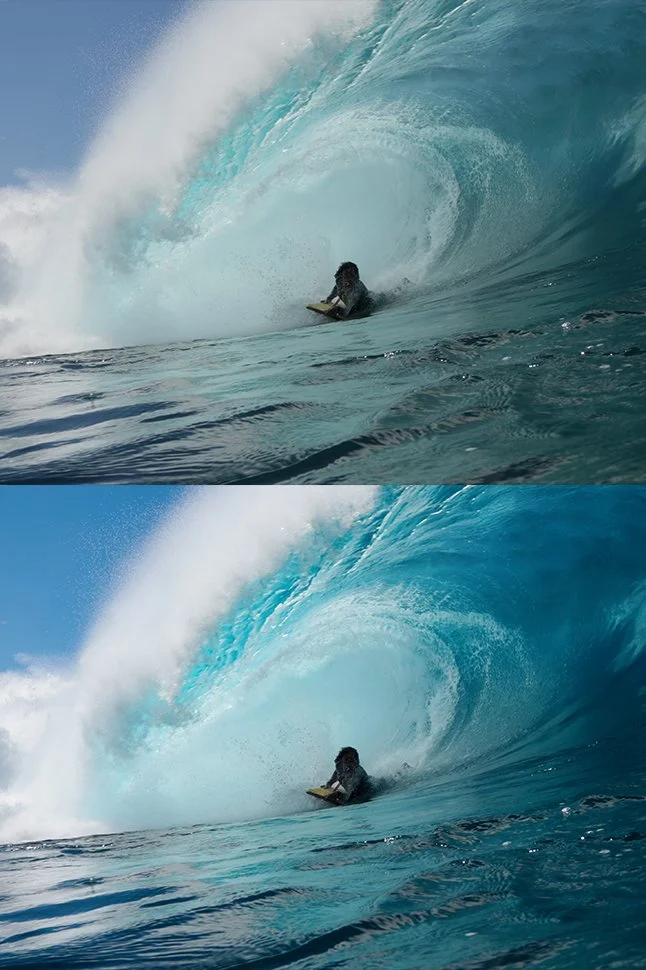
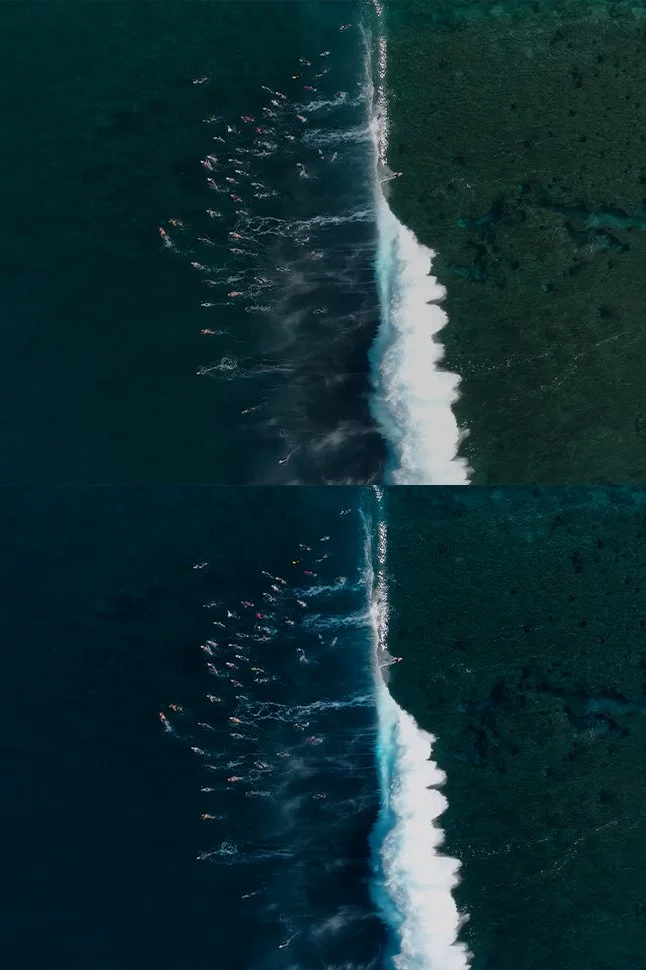
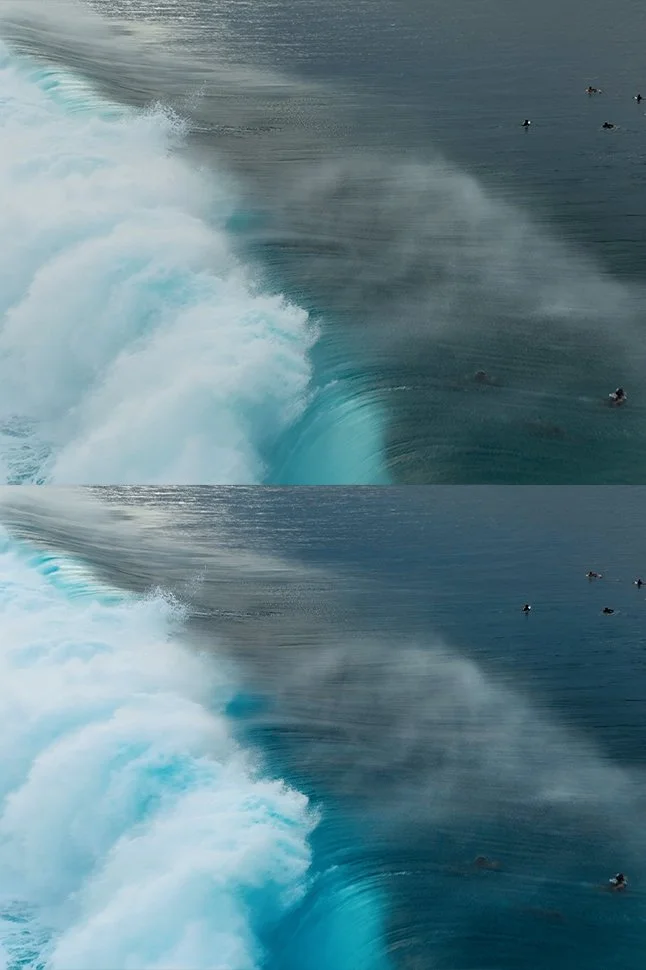
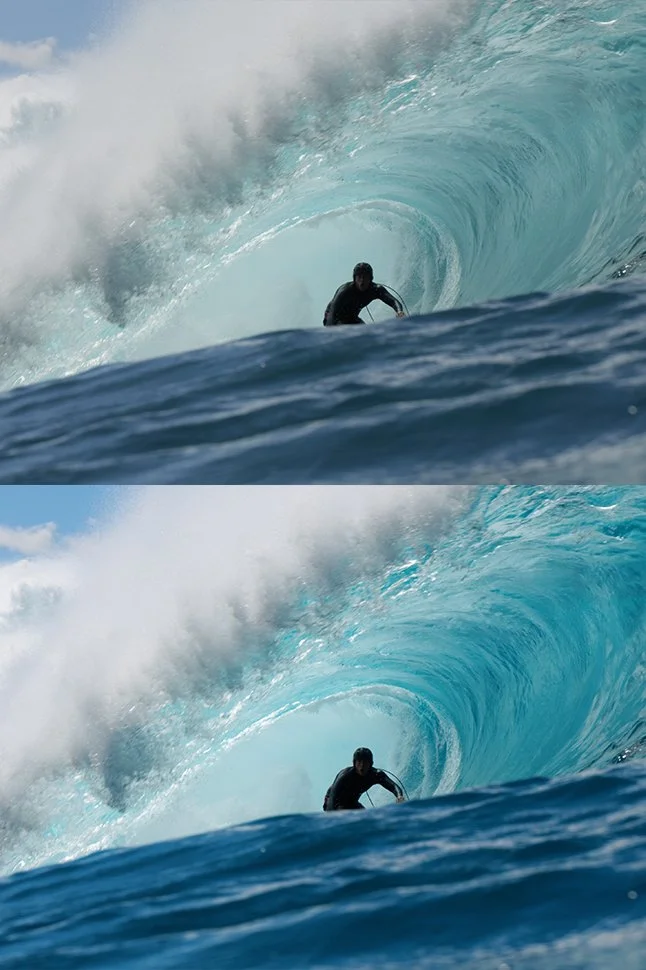
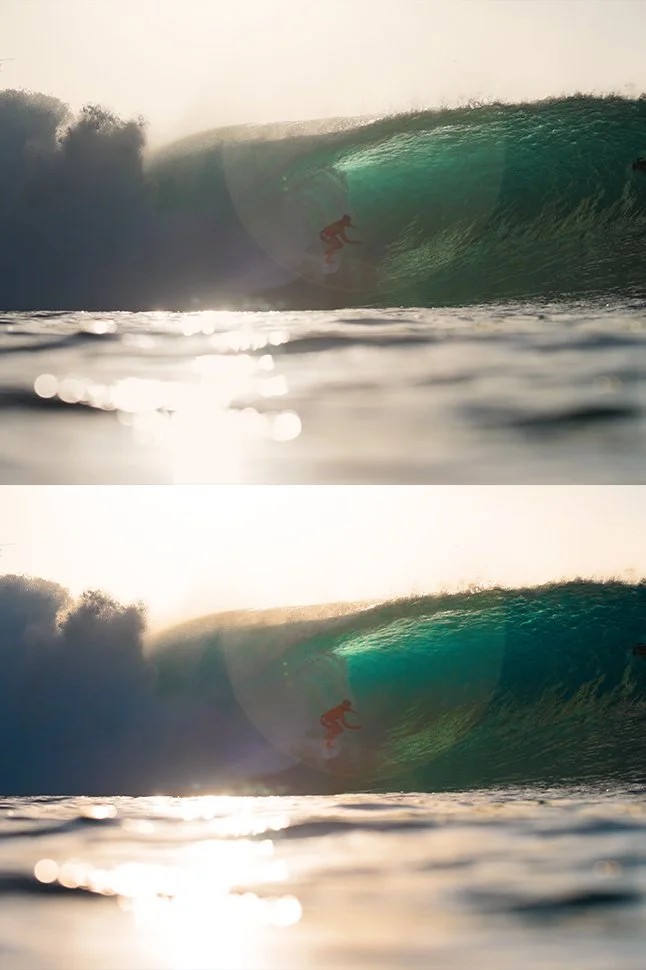
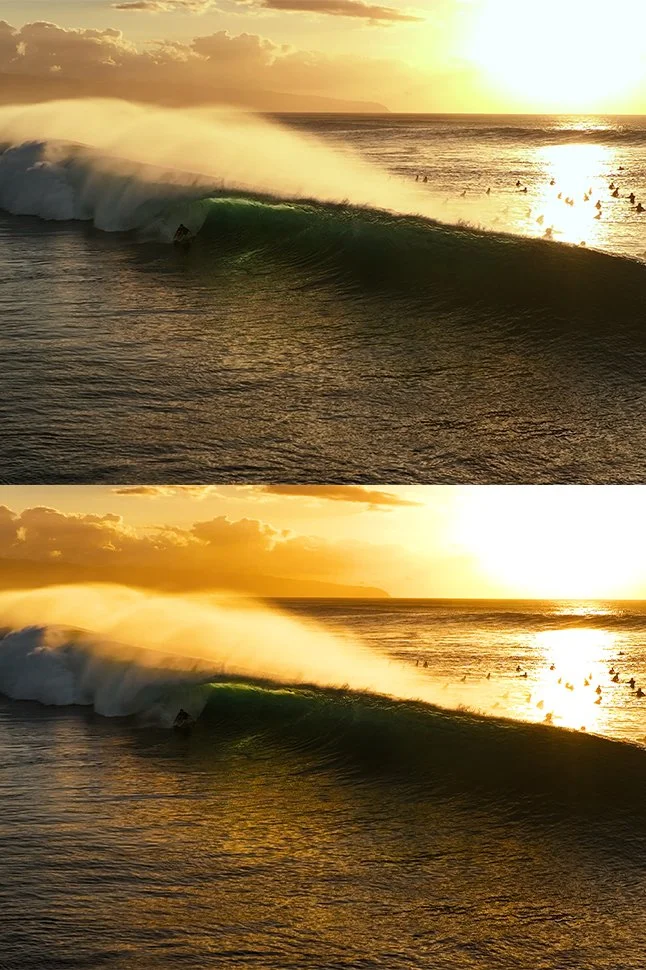
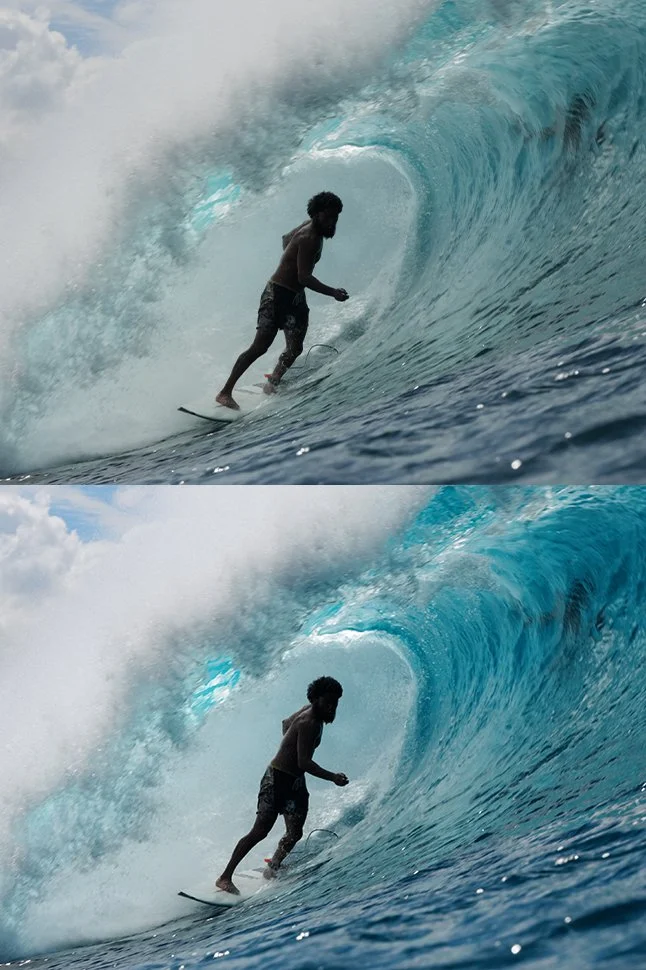
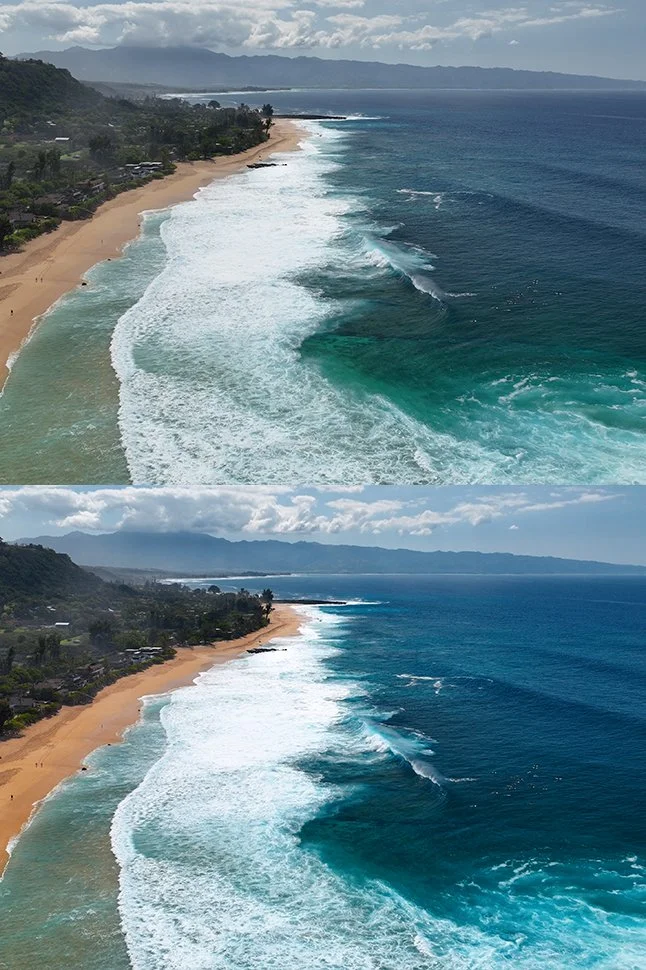
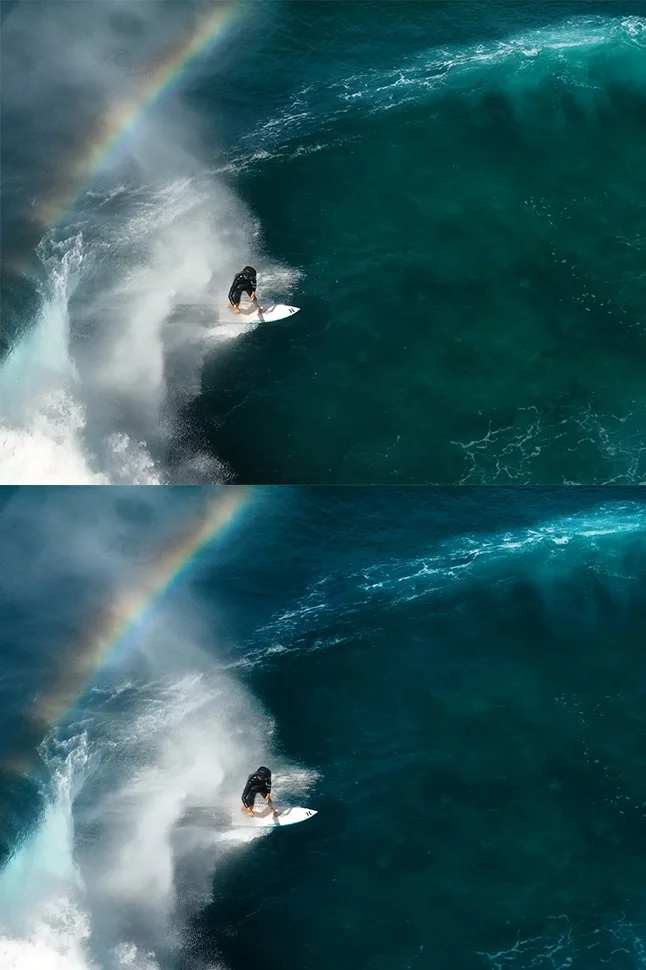
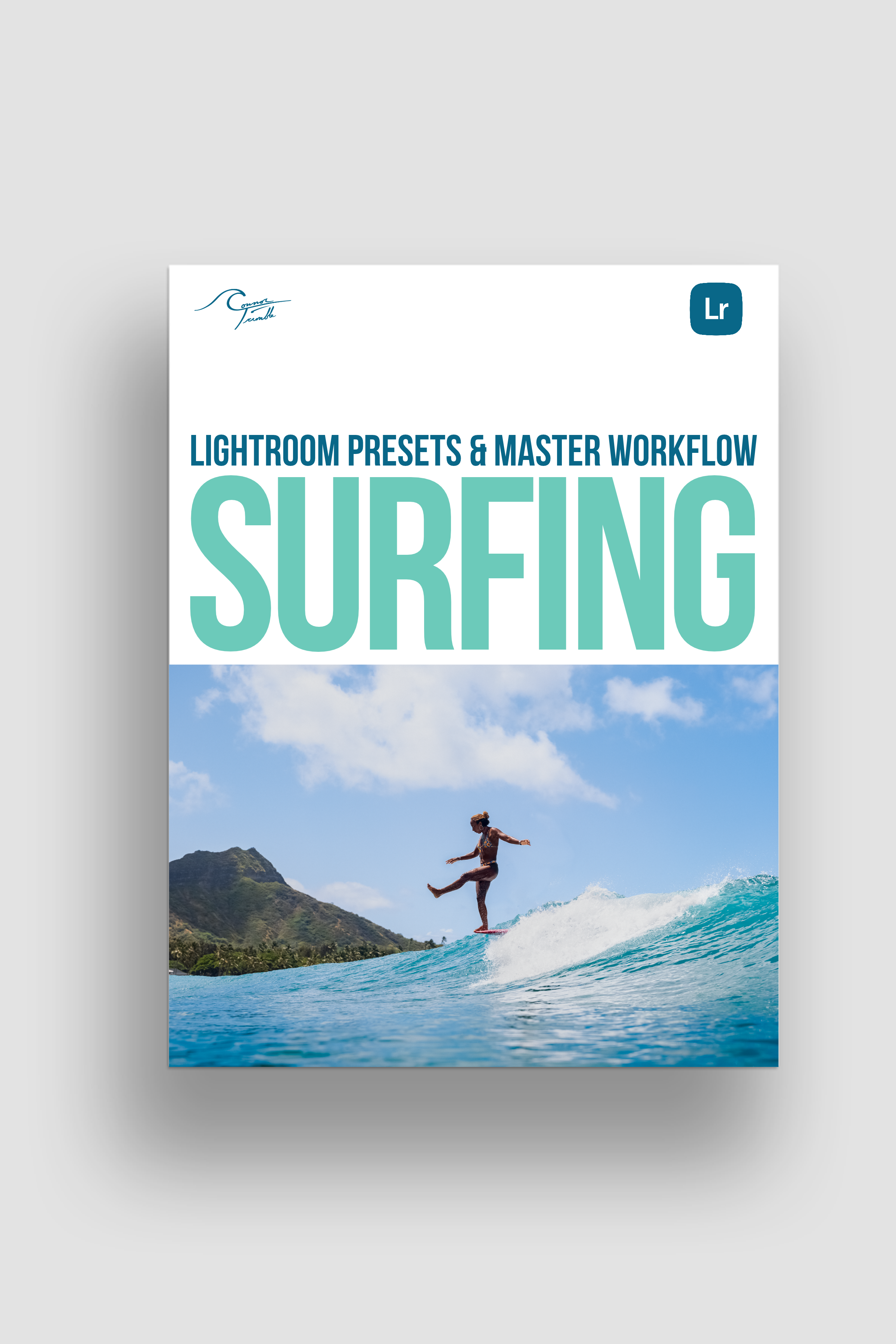
89 Lightroom presets and the exact workflow I use to edit surf, from Pipeline and Waikiki to the Mentawais.
What’s inside
28 Locations: starting looks built at Pipeline, Backdoor, the North Shore, Waikīkī, Tahiti and the Mentawais
32 Global Adjustments: profiles, S-curves, dehaze, color shifts, grain, noise reduction and fisheye fixes
9 Surf Masks: gradients that shape the light on the surfer, the foreground and the sky
20 Adaptive Masks: AI masks for subject, skin, eyes, teeth, clothes, sky and water
How it works:
This is my entire surf editing work flow.
The groups are numbered in the order I edit. Start with a look, fine-tune it, shape the light, then finish with AI masks to make your subject really pop.
Good to know:
Made for Lightroom Classic (latest version). RAW files recommended.
Install guide PDF included.
Questions? Email through contact form on website.
*If there are ever any updates or bugs fixed, you will receive the updated version for free.
89 Lightroom presets and the exact workflow I use to edit surf, from Pipeline and Waikiki to the Mentawais.
What’s inside
28 Locations: starting looks built at Pipeline, Backdoor, the North Shore, Waikīkī, Tahiti and the Mentawais
32 Global Adjustments: profiles, S-curves, dehaze, color shifts, grain, noise reduction and fisheye fixes
9 Surf Masks: gradients that shape the light on the surfer, the foreground and the sky
20 Adaptive Masks: AI masks for subject, skin, eyes, teeth, clothes, sky and water
How it works:
This is my entire surf editing work flow.
The groups are numbered in the order I edit. Start with a look, fine-tune it, shape the light, then finish with AI masks to make your subject really pop.
Good to know:
Made for Lightroom Classic (latest version). RAW files recommended.
Install guide PDF included.
Questions? Email through contact form on website.
*If there are ever any updates or bugs fixed, you will receive the updated version for free.